
Most articles about AI deployments are written by people who have never shipped one. This one is different. It walks through a real project we built for a real client, Super Park, an airport parking operator managing 9,085 parking spaces, and shows what actually happens between "we should look at AI" and "it answered 70% of our repetitive calls."
If you're wondering what working with an AI consulting firm actually looks like, this is the honest version. No jargon, no magic. Just the steps.
Step 1: Find the pain, not the technology
Super Park didn't come to us asking for AI. They came with a problem: their phones never stopped. Travelers called constantly asking the same questions. Is there space in the lot? What are today's rates? Where's the shuttle? How do I get a receipt? During peak travel, hold times stretched and staff spent their days repeating the same answers.
That's the pattern we look for in every engagement: high volume, repetitive, rules-based, and already costing money. The first conversation is never about models or platforms. It's about which calls, exactly, are eating the team alive.
Step 2: Scope one system, not a transformation
We didn't propose an "AI strategy." We scoped one system with a clear job: answer routine parking questions instantly, at any hour, with real information. That last part matters. A bot that guesses about lot availability is worse than no bot, so the build had to connect to real-time occupancy data across all lots.
The scoping question that matters most
"What does the AI need to know that lives inside your systems?" Off-the-shelf tools stall right here. If the answer involves your live data, your booking rules, or your internal systems, you need a custom build that integrates, not a template that improvises.
Step 3: Build, integrate, test on real traffic
The build phase for Super Park covered three things:
- Automated answers for the common questions: rates, availability, shuttles, hours.
- Live data integration, so "is there space?" is answered from real-time occupancy, not a stale FAQ.
- Automated forms with instant email delivery, so receipt requests that used to require a phone call now handle themselves, even after hours.
Then we tested against real questions from real travelers, tightened the answers, and launched. Weeks, not months.
Step 4: Measure what changed
Here's what the deployed system does for Super Park today:
- 70% reduction in repetitive inquiries reaching staff.
- Under one second average response time, versus waiting on hold during peak travel.
- 24/7 coverage, including the after-hours window when the office used to go dark.
- Real-time answers across 9,085 parking spaces, pulled live from their own data.
The staff didn't disappear. They stopped answering the same ten questions on repeat and started handling the calls that actually need a human. You can read the full breakdown in the Super Park case study.
Hear one of our AI agents live, right now
Don't take a blog post's word for it. Call Scarlett, our AI receptionist, at 720-770-2664 and ask her anything. Then tell us which of your calls she should be answering.
Get a scoped estimateWhat this means for your business
Every deployment we run follows this same arc: find the repetitive pain, scope one system with one job, integrate it with your real data, and measure the change. If you can name the calls or tasks your team dreads, you already know where your first project is. The rest is execution.
Frequently Asked Questions
What does a real AI deployment process look like?
It follows four steps: find the high-volume, repetitive pain point; scope one system with one clear job instead of a broad transformation; build it and integrate it with your real business data; then measure what changed. For Super Park, that meant automating routine parking questions with live occupancy data, which cut repetitive inquiries reaching staff by 70%.
How long does a custom AI deployment take?
A well-scoped first system ships in weeks, not months. The key is narrowing the scope to one job, like answering routine inbound questions, rather than attempting a company-wide transformation on day one.
Why not just use an off-the-shelf AI tool?
Off-the-shelf tools stall when the answers customers need live inside your systems. Super Park's callers asked about live lot availability, which required integrating real-time occupancy data. A template bot that guesses about your live data is worse than no bot at all.
Ready to Transform Your Business?
See how AI automation can help scope practical workflow improvements and measurable business-case assumptions.
Book Operations ReviewAbout HummingAgent Team
Written by the HummingAgent team. HummingAgent is a Denver-based AI consulting company that designs, builds, and runs custom AI systems for businesses across the United States, and won the TMC 2025 AI Agent Product of the Year award. The team is led by a former Comcast Labs engineer who built production AI across 1,600 data centers and 40,000 technicians.
Popular implementation paths
Turn this AI idea into a scoped workflow
Compare the related service pages and practical guides buyers most often use after reading our AI automation articles.
Related Articles
They Didn't Want an AI Pitch. They Wanted the Job Booked. Three Questions to Ask Before Buying Any AI Tool
At The Fence Show in Las Vegas I was ready to explain how our AI worked. The contractors wanted to know whether it would book jobs and what their office would stop chasing. Here are the three questions I'd ask any vendor, including us.
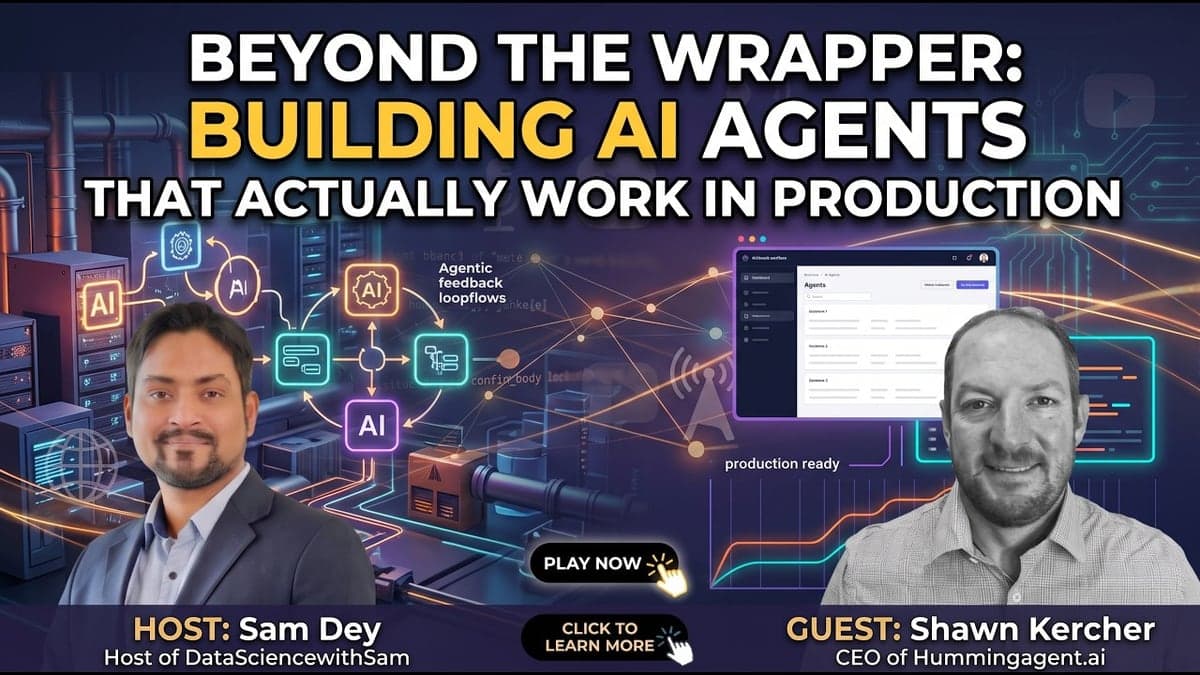
Is It an AI Agent or a ChatGPT Wrapper? One Test, and What It Takes to Build on the Right Side of the Line
Most AI products are a UI on top of a frontier model, dressed up as an agent. Here's the test: if the model provider adds this feature next quarter, does your product still exist? What I told Sam Dey on DataScienceWithSam about building things a business can run on every day.
Why Your Team Won't Update the CRM (and the Step to Remove Instead of Reminding Them)
One person told me their team relies on the CRM for everything. Another said phone messages still get written on sticky notes. Both are true. Before you send another "please update the CRM" reminder, ask whether the update is recording or copying.