
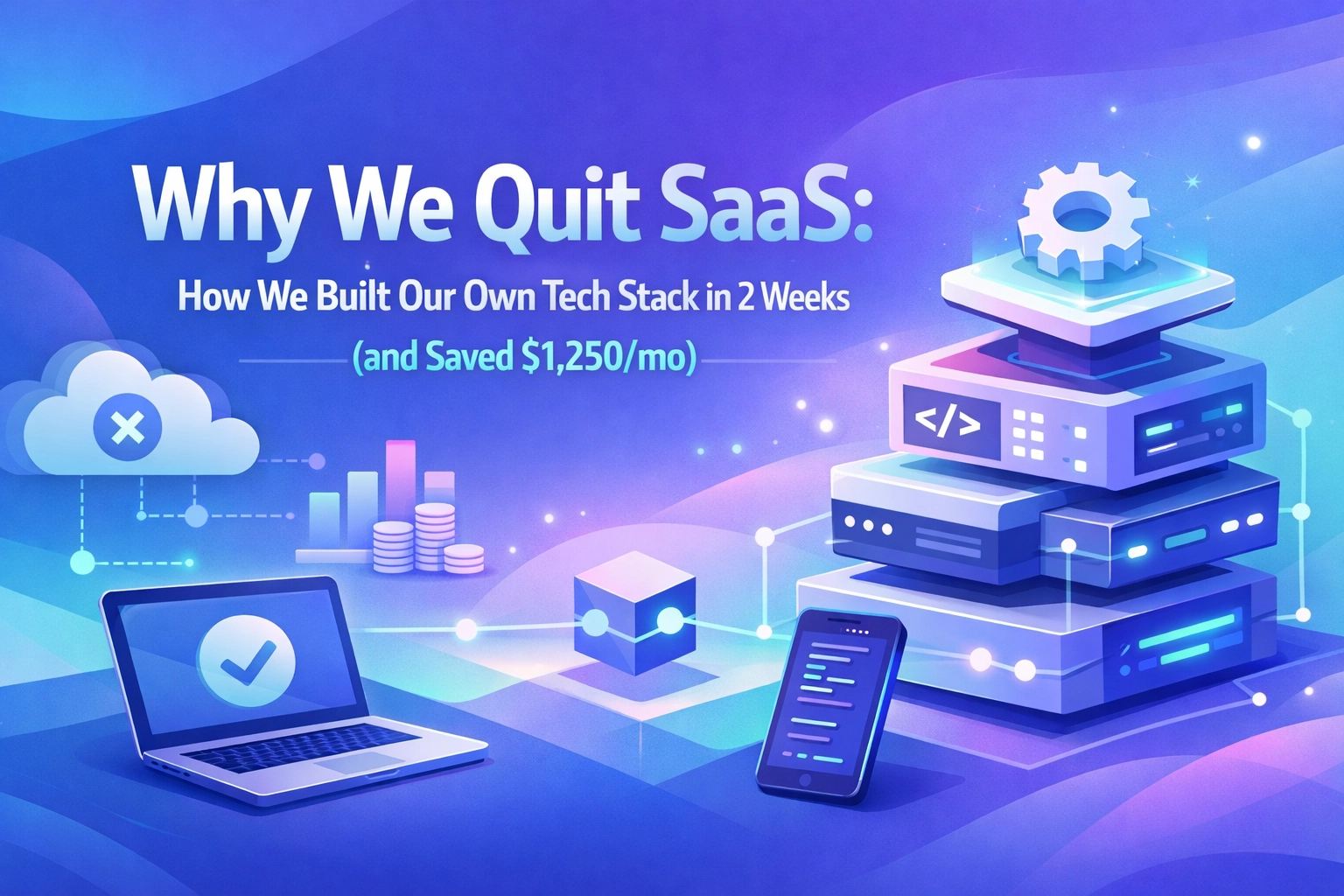
Last month, our monthly SaaS bill hit $1,850.
For a small team.
We weren't using enterprise features. No fancy integrations. Just basic project management, meeting notes, social scheduling, and a talent tracking portal. The kind of tools every modern company "needs."
Except… we didn't. Not anymore.
Two weeks and four custom builds later, we cut that bill by 67%. Not by negotiating. Not by downgrading. By building.
And here's the part that still surprises me: building was faster than configuring those bloated SaaS products in the first place.
The Moment We Realized SaaS Was the Problem
It started with a simple question during our quarterly budget review: "Why are we paying $600/month for a talent portal that's basically just… a database with forms?"
Then someone else chimed in: "And why does our project dashboard cost $400 when we only use 20% of Notion's features?"
The floodgates opened.
Meeting transcription? $150/month for something that's essentially speech-to-text with light formatting. Content calendar? Another $100 for Hootsuite when we're just scheduling posts to three platforms.
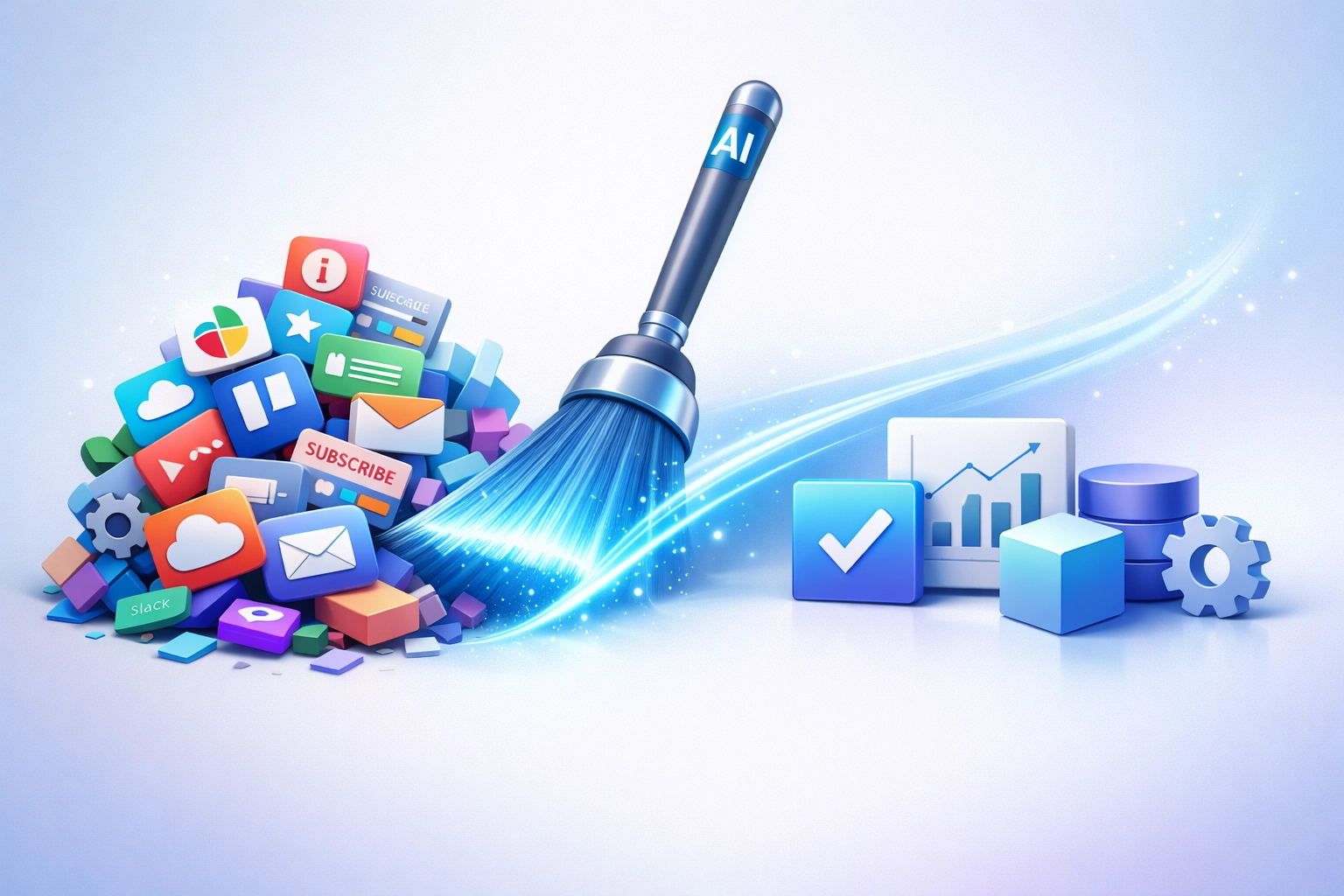
We were paying the "SaaS tax": that premium you fork over for features you don't use, updates you don't need, and configuration complexity that eats hours of your team's time.
Then I remembered: AI coding tools have completely changed the build-versus-buy equation.
Tools like Cursor, GitHub Copilot, and Claude can scaffold entire applications in minutes. What used to take developers weeks now takes days. What used to take days now takes hours.
So we ran an experiment.
What We Built (And What We Ditched)
Over two weeks, we rebuilt four core tools from scratch. Here's the breakdown:
1. Project Dashboard → Goodbye Notion/Asana ($400/mo saved)
We built a lightweight project tracker with exactly what we needed:
- Task assignment and status tracking
- Sprint planning board
- Integration with our Slack for notifications
- Custom reporting dashboard
Build time: 4 days
Code: Next.js + PostgreSQL + Tailwind
AI assist: Cursor wrote ~70% of the initial codebase
The kicker? Our custom dashboard loads in 0.8 seconds. Notion was averaging 3-4 seconds on a good day.
2. Meeting Transcription → Goodbye Fireflies/Otter ($150/mo)
This one was almost embarrassingly simple. We built a tool that:
- Records audio from Google Meet/Zoom
- Transcribes using OpenAI's Whisper API
- Formats notes with AI summarization
- Stores everything in our own database
Build time: 2 days
Cost per meeting: ~$0.15 (API calls)
Monthly savings: $149.85

3. Content Calendar → Goodbye Hootsuite ($100/mo)
A basic scheduling interface that posts to LinkedIn, Twitter, and our blog. Nothing fancy: just a calendar view, draft storage, and API connections to each platform.
Build time: 3 days
Bonus feature: We added AI-powered caption suggestions because we could
4. Talent Portal → Goodbye That $600/mo Agency Tool
This was the big one. Our talent management system needed:
- Candidate profiles and application tracking
- Interview scheduling
- Document storage
- Custom evaluation rubrics
Build time: 5 days
Stack: React + Node.js + AWS S3
Reality check: 60% of the code was generated by AI assistants
The New Math: Why Building Is Now Faster
Here's what changed the equation in 2026:
Old calculation:
- Development time: 4-6 weeks minimum
- Developer cost: $8,000-$12,000
- Ongoing maintenance: Unknown risk
- Conclusion: Just buy the SaaS
New calculation with AI coding tools:
- Development time: 2-10 days per tool
- Developer cost: 2 weeks of existing CTO time
- Ongoing maintenance: Minimal (we own the code)
- Conclusion: Building is cheaper and faster
The breakthrough isn't just speed. It's precision.
When you build, you get exactly what you need: no bloat, no unused features, no "our roadmap will include that someday" promises. Your tool does one thing perfectly instead of 47 things adequately.
And with AI coding assistants? The technical barrier collapsed. You don't need a full dev team anymore. A technical founder or a single developer can ship production-ready tools in days.
The Actual Process (Spoiler: It's Less Scary Than You Think)
Week 1, we tackled the talent portal and project dashboard. Week 2, the meeting transcription tool and content calendar.
Here's what the workflow looked like:
Spec it out (2 hours per tool): Write down exactly what you need. Not what the SaaS offers: what you actually use daily.
AI-assisted scaffolding (3-6 hours): Use Cursor or Copilot to generate the basic structure. Database schema, API routes, UI components.
Customization (1-2 days): Refine the AI output, add your specific business logic, connect your APIs.
Testing & deployment (4-8 hours): QA the critical paths, deploy to your hosting provider (we used Vercel and AWS).
Team onboarding (1-2 hours): Walk the team through the new tool. Spoiler: they learned faster than they did with the SaaS products.

Total hands-on development time: About 80 hours across two weeks.
What We Learned (The Honest Parts)
Building isn't for everything. We're not replacing Slack, Gmail, or our accounting software. Those have network effects, compliance requirements, and complexity that don't make sense to rebuild.
But internal tools? Workflow automation? Business process management? That's the sweet spot for custom builds in 2026.
The hidden benefit is control. When Notion went down for three hours last quarter, our whole team was blocked. When our project dashboard has an issue now, I can fix it in 15 minutes. No support tickets. No waiting for "engineering to investigate."
AI coding tools have limits. They're incredible for standard CRUD operations, UI scaffolding, and boilerplate code. They're less reliable for complex business logic or security-critical features. You still need human oversight.
The ROI is faster than we expected. At $1,250/month in savings, our two-week build paid for itself in... two weeks. Every month after that is pure profit.
The Broader Shift: Automated Business Solutions You Control
This experiment opened our eyes to something bigger happening in business process automation.
The companies winning in 2026 aren't the ones with the most SaaS subscriptions. They're the ones strategically building AI workflow automation that fits their exact processes: not generic solutions designed for everyone and perfect for no one.
The economics have shifted. The technology is accessible. The question isn't "Can we build this?" anymore.
It's "Why are we still paying someone else to do it?"
Your Turn: Where's Your SaaS Bloat?
Look at your subscription list right now. I bet you'll find:
- A tool you're paying "per seat" for when half your team never logs in
- A platform charging enterprise prices for features you don't use
- A dashboard taking 30 seconds to load when you just need three data points
Those are your build candidates.
Not everything. Not even most things. But those 3-4 internal tools that are specific to your business? With today's AI coding assistants, you can probably build them in less time than it took to onboard your team to the SaaS product.
Want help identifying your build candidates? At HummingAgent, we help businesses replace bloated SaaS with custom, AI-powered solutions.
Schedule a call to talk through how custom automation could work for your team.
The SaaS subscription treadmill is optional. Building is the new buying.
Ready to Transform Your Business?
See how AI automation can help scope practical workflow improvements and measurable business-case assumptions.
Book Operations ReviewAbout HummingAgent Team
Written by the HummingAgent team. HummingAgent is a Denver-based AI consulting company that designs, builds, and runs custom AI systems for businesses across the United States, and won the TMC 2025 AI Agent Product of the Year award. The team is led by a former Comcast Labs engineer who built production AI across 1,600 data centers and 40,000 technicians.
Popular implementation paths
Turn this AI idea into a scoped workflow
Compare the related service pages and practical guides buyers most often use after reading our AI automation articles.
Related Articles

AI Deployment in the Real World: How One Client Cut Repetitive Calls 70%
A step-by-step look at a real AI deployment for Super Park, an airport parking operator with 9,085 spaces: how it was scoped, built, integrated with live data, and what changed.

Private GPT: Why Companies Are Building Their Own ChatGPT
Your team already uses ChatGPT. A Private GPT makes that safe: your data stays private, it's model-agnostic, and it plugs into your workflows. What we learned building one for K3 Technologies.

Custom AI Search: How a Legal Publisher Turned Hours of Research Into Seconds
JVRC's attorneys spent 10-20+ hours searching decades of case archives and still missed cases. A custom AI semantic search collapsed that to seconds. Here's how, and how to spot the same problem in your business.